Blockly Continued-Look, Light, Sound and Control
Lesson Ten
Introduction
This lesson will go into the Look, Light, Sound, and Control folders of the Blockly application. This will allow the campers to further control Dash in their algorithms to make Dash do exactly what they want him to do.
Teacher Demonstration
- Model connecting Dash to the Blockly application.
- Model opening the Look folder.
- Model dragging one of the commands into the program and changing parameters.
- Model opening the Sound folder.
- Model selecting one of the commands and changing the parameters to make Dash make an assortment of different sounds.
- Model how to record your own voice or sound for Dash to emulate.
- Model opening the Control folder.
- Model the selection of the Repeat block that allows input for a number of times.
- Explain that the commands that are INSIDE the repeat block are the only ones that will be repeated and in that order every time.
- Explain the difference between the repeat block that will repeat a certain amount of times, and a repeat block that says “repeat forever.”
Extension Activity
Camper grouping: Pairs (High/low camper together)
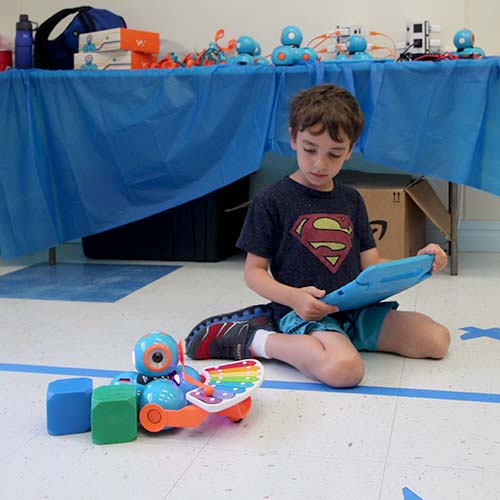
Have camper pairs go to 5 different stations. Each station will practice a different skill.
- Look station – Campers will make Dash look up and look down different degrees
- Light station – Campers will make all of Dash’s lights change color and turn on/off
- Sound station – Campers will make Dash make all different sounds – campers must also input their own sound and make Dash repeat the sound
- Repeat a number of times – Campers will be challenged with making Dash complete driving in a square with only using a total of 4 blocks of code.
- Repeat forever – Campers will write a program that Dash will repeat forever.
If you find that the campers are having difficulty with any one of these commands, schedule more time to practice.