Code & Go Activity Twelve
This class will cover the following topics
- Creating art using technology
- More complex programming
- Understanding a robot can be used to do a job
Materials needed:
- Water colored markers
- Mural paper or white construction paper
- Marker holder
- Tape
- Colby robot
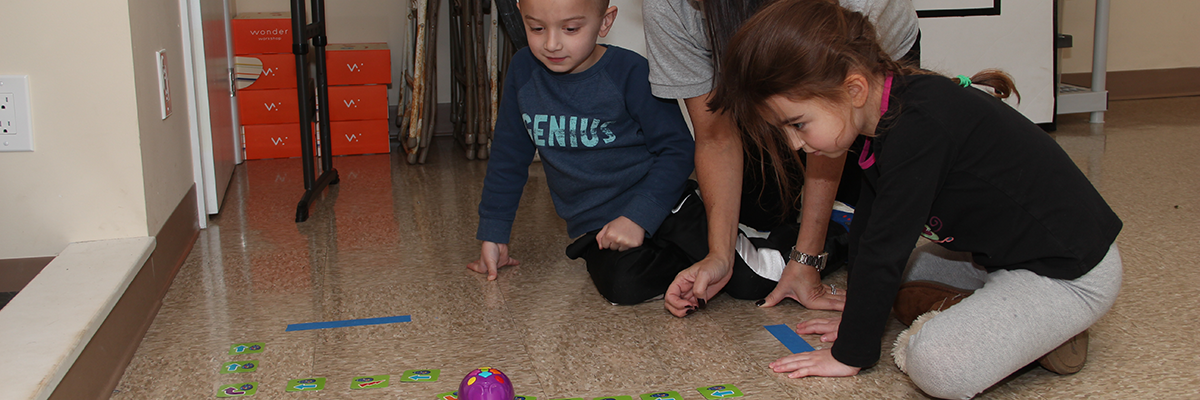
Now that the class has a better idea about programming Colby and an understanding of how it moves, we are now ready to create Techno Art Masterpieces using their programming talents. The teacher should tape the marker holder to each mouse robot so the children can place the colored marker they want to use into the holder before programming their design. Each child should get a piece of mural paper or construction paper to use for their artistic creation. The mural paper should be pre-cut or just use construction paper. An 11” x 14” piece is recommended. The markers can be exchanged whenever the children want to use a different color. In order to make sure this process runs smoothly make sure the children program their robot mouse to ONLY go forward. The markers might jam if they are programmed to go backwards. This is their masterpiece and they will create it by programming their mouse robot repeatedly until they finish their creation. It is a good idea for each child to do their own creation, so that they can take it home to be framed and placed in a prominent location in their home.
Once these masterpieces are completed they should be displayed around your facility or in the main office for all to see.