
Four Corners Game
Lesson Four
Introduction
This game will give the students practice using the “Go” application. Once the children have completed a few lessons using the Go application, this game can be a fun way to reinforce skills learned during the previous lessons.
Materials
- 1 dash per child
- 1 iPad per child
- 1 “pusher” from accessory pack per child
- Objects to push (could be blocks, legos, erasers, …etc.) anything that can be pushed on the floor and then stop in a certain spot
- The number of these objects vary with the number of campers and with the desired level of difficulty of the game
- Masking tape
Rules
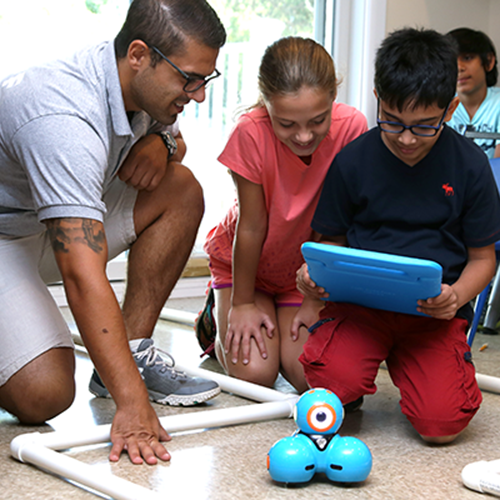
Though the name of the game is “Four Corners” you can have more than 4 children playing. Just add more “corners.” Each child should have their own Dash with the pusher connected and iPad to control Dash using the Go app. Students should be sitting on the floor in a large circle with plenty of room in the middle. The Dash robot starts in front of the student who it belongs to. Helpful hint: have each child change Dash’s lights to different colors for each child so they can differentiate which Dash is theirs (reinforcing a skill learned on the Go app.) Also in front of each child, there should be a 1 foot by 1-foot square outlined in masking tape. This area will be the child’s “base.” Then, place objects in the middle of the playing field. The object of the game is to get three of the objects into your base before any other player does. You can take objects from the middle area and add them to your base OR you can steal objects from other players’ bases. Dash can only push ONE object at a time. The first camper who has three blocks in their base wins.
Note: The more objects there are in the middle of the area, the easier the game is. If you want to make the game more difficult, remove some of the pushable objects.
Always feel free to create your own adaptation of the game’s concept of using the pusher and developing skills with the Go Application