Launcher
Lesson Fourteen
Introduction
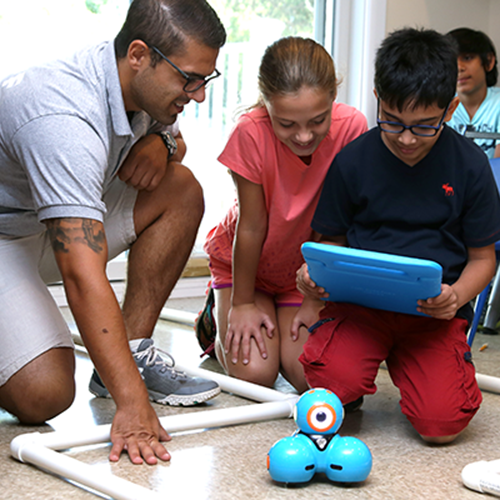
The launcher is a great accessory to add games or challenges to the lessons after using the Blockly application. The launcher can be controlled using Blockly and can launch projectiles. This can be used to enhance many different challenges.
Challenge Ideas
- Have the campers navigate a maze using the Blockly app. Put a bucket at the end of the Maze. Make the campers navigate the maze and then shoot the projectile into the bucket.
- In order to make this a competition, create two of the same maze and have teams compete against each other. First team to successfully program Dash to navigate the maze and shoot the projectile into the bucket wins!
- Have campers design a maze that Dash needs to navigate through. One of the commands will be that Dash shoot the projectile into a bucket somewhere along the maze.
- In order to make this a competition, break campers into teams. Each team designs a maze and then challenges the other team. The first team to successfully navigate the other team’s maze and shoot into the basket wins.
- To make this more open ended, make one of the commands that the launcher has to be used in any way throughout the maze. Maybe it has to shoot the projectile to knock down a structure or to move a blockade. Be creative!
Lesson Closure
The launcher can be used to enhance the blockly lessons and reinforce blockly skills. The children will be having fun without even realizing they are coding!
The Launcher can be used simply as a game of skills with keeping score. Set it up like a carnival game. This could also be used in your camp’s Color War with the teacher setting up a specific challenge that each team must execute.