
Camp Tour with Dash as a Tour Guide
Lesson Sixteen
Introduction
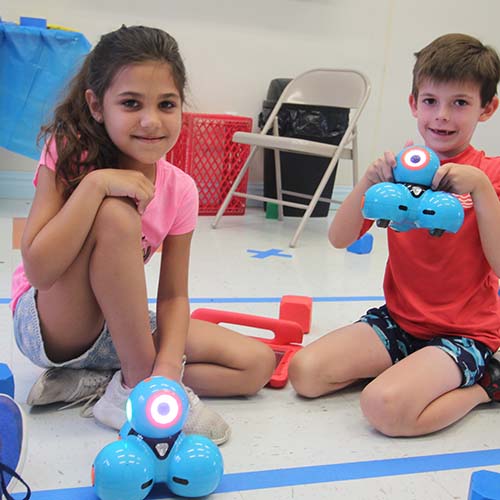
Have Dash be the tour guide through your camp grounds! The children will have to remember where everything is on the grounds and create a bird’s-eye view of the camp. Then, they will navigate Dash through the camp while telling stories about the different areas around camp.
Lesson Objective
Day 1
- Take the group on a tour of the grounds, pointing out where everything is at the camp
- Brainstorm and write down everything they remember seeing and would want to include on a map.
- Sidewalks
- Buildings
- Fields
- Pools
- Etc
Day 2
- Explain what a bird’s-eye view is – a view from above
- Have children each sketch out a drawing of what the camp looks like from above.
Day 3
- As a class, create a large map on a big piece of paper of the camp’s layout. Each camper will be responsible for drawing and coloring a different part of the map.
- When the map is done, put campers in groups of two.
- Have each group responsible for bringing Dash through a different part of the map AND explain where Dash is going.
Notes
- This step could use Go for beginners or Blockly for more advanced campers. Have the campers move Dash through the map that was created. As Dash drives around, they will be telling their individual stories.
- The Go app can be used to just drive around. The Blockly app can be used to program Dash through the map. Helpful hint: use wait blocks to have Dash wait while a camper is speaking and then continue moving with a command when the child is done.
Day 4
- Have children practice their presentation all together.
Day 5
- Have the class present the map and Dash’s tour.
If the camp has a map that is used for marketing, let the campers see it if you feel it might solidify their thoughts. Do this after you take the tour.
Invite the camp Owner/Director to observe how your campers used a piece of technology (Dash) to travel around the camp.